| __pycache__ | ||
| app | ||
| screens | ||
| static | ||
| templates | ||
| app.py.archive | ||
| docker-compose.yml | ||
| Dockerfile | ||
| gunicorn.conf.py | ||
| README.md | ||
| requirements.txt | ||
| run.py | ||
| start.sh | ||
| wsgi.py | ||

VideoPress — FFmpeg Video Compressor
NOTE: This application was built with the help of AI.
- The application code has been reviewed by this developer.
- The application code has been tested by this developer.
If you find any issues, please feel free to post an issue, and / or a pull request for a fix.
What is VideoPress?
A web-based video compression tool served via Gunicorn + gevent (WSGI), containerised with Docker. FFmpeg compresses video files to approximately 1/3 their original size. All file-system access is restricted to a single configurable media root for security.
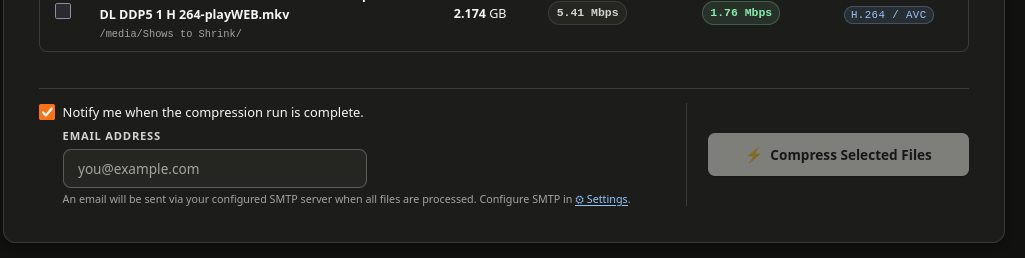
- Set your folder to scan, and minimum size to scan for.
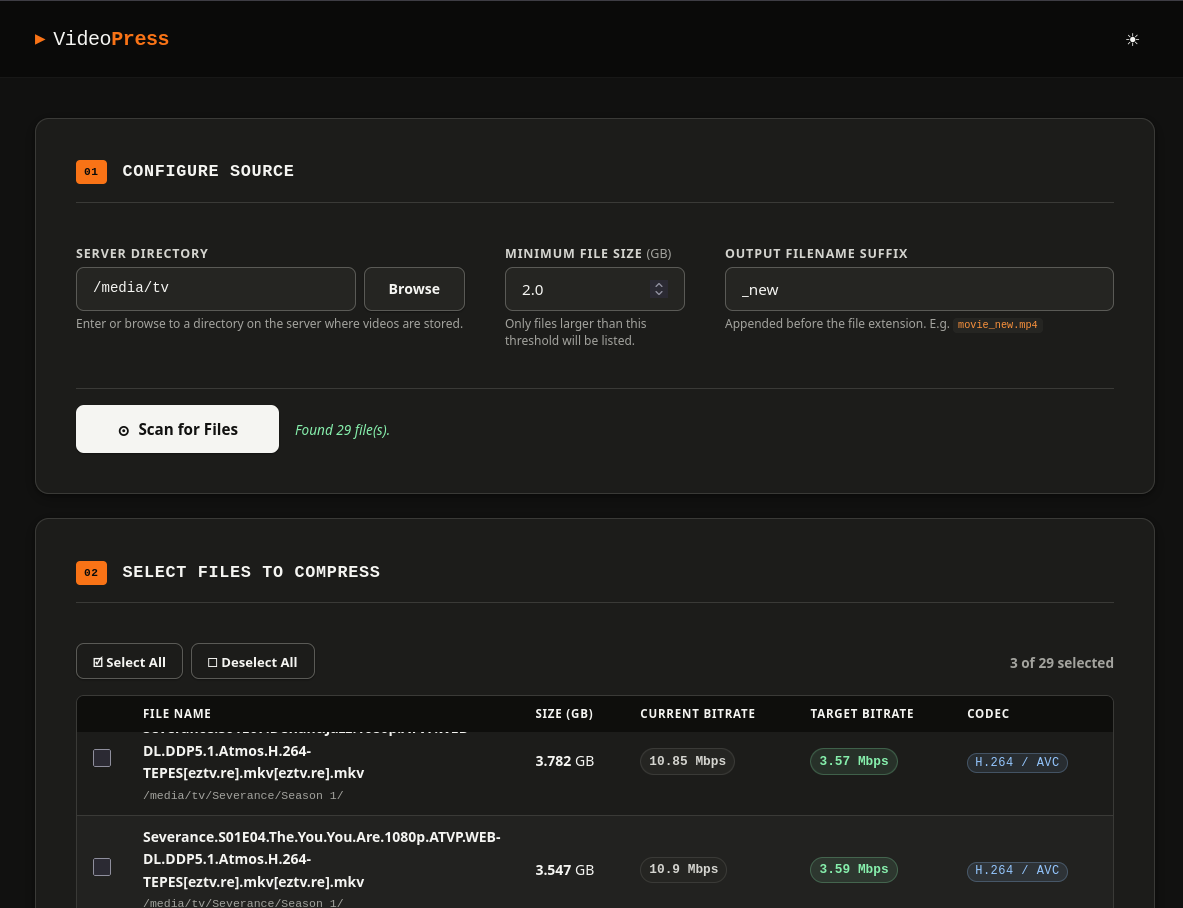
- Select from the files found.
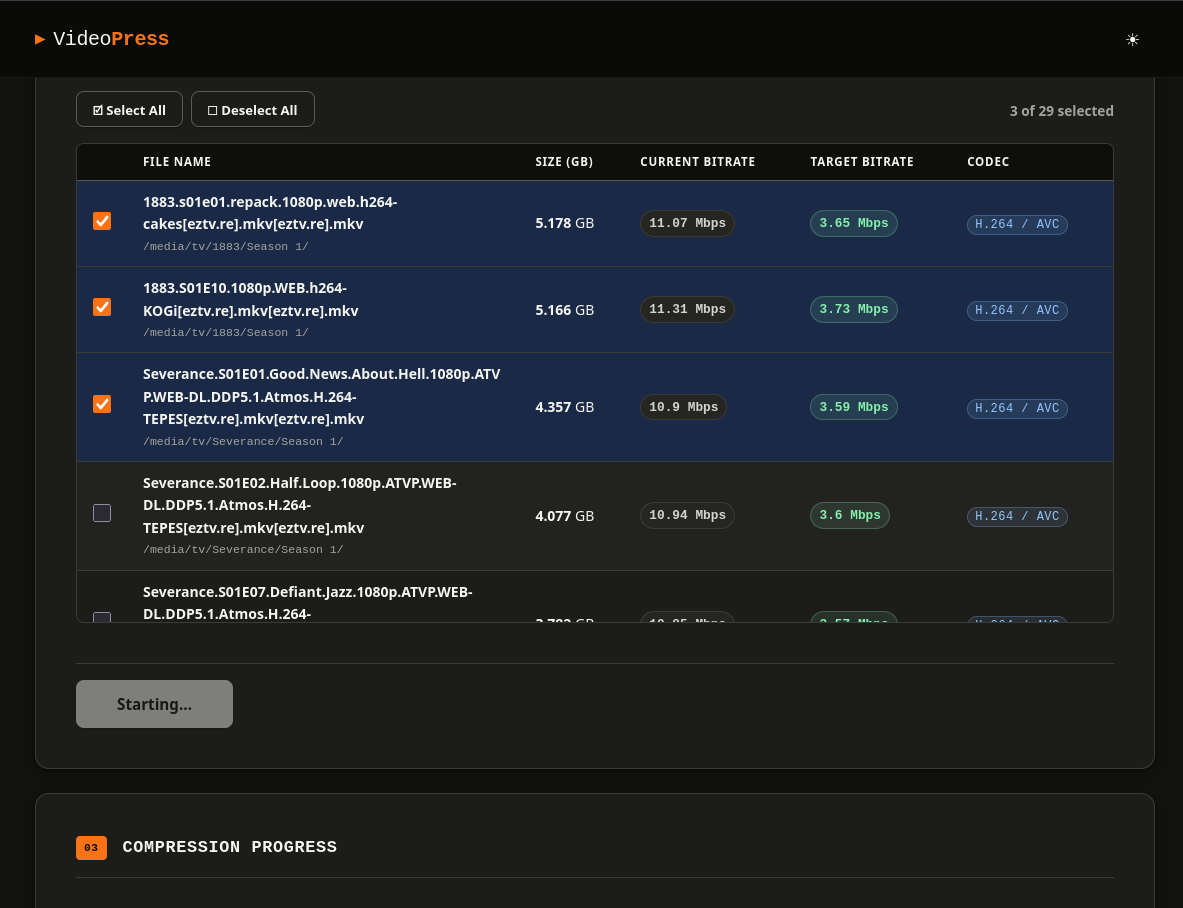
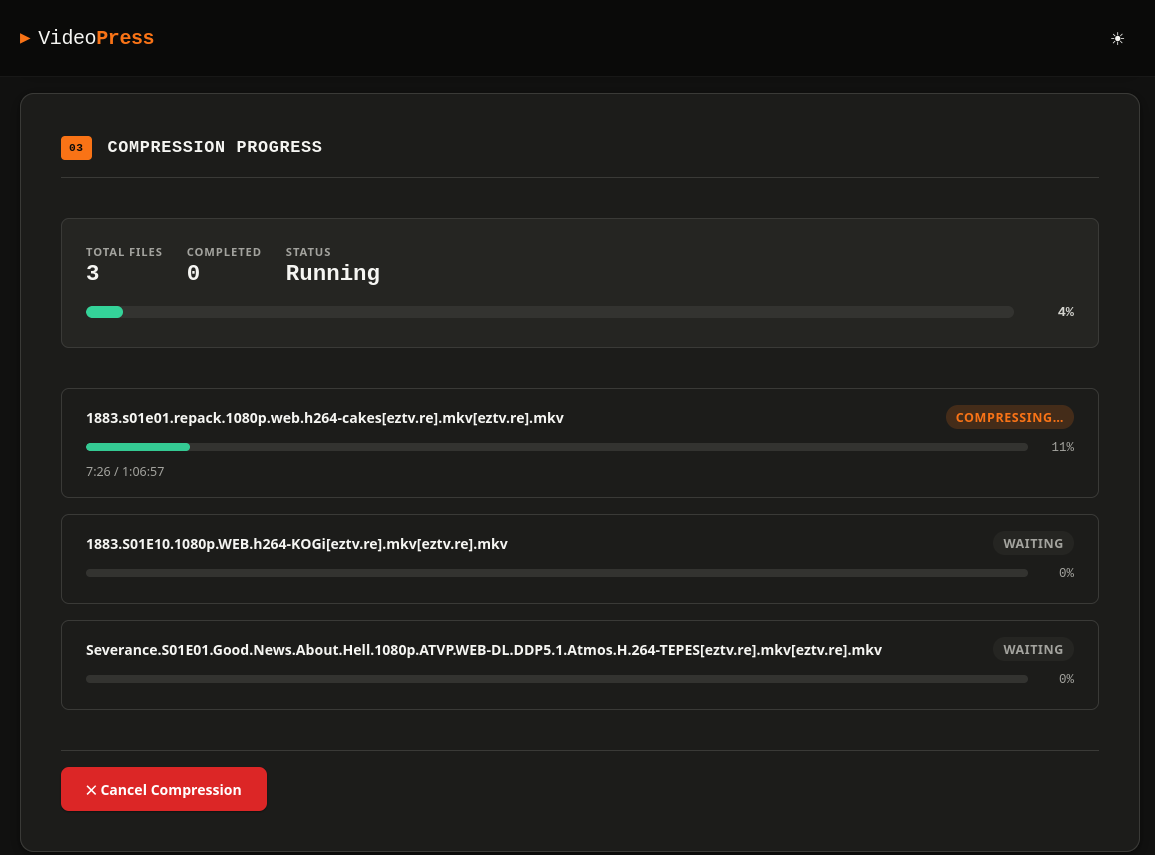
- Start the Compression and See the Progress
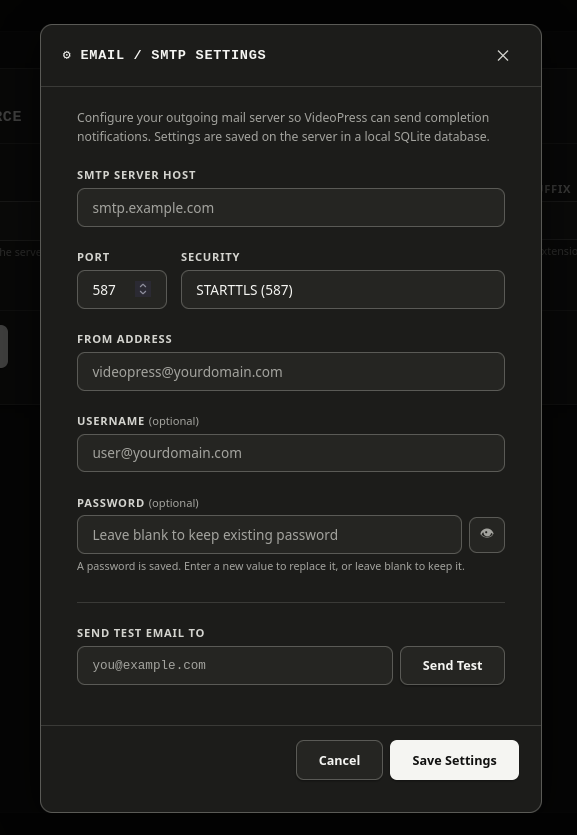
- Get an email notification when a compresion run finishes.
Quick start with Docker (recommended)
Step. 1. You have two options
A. Build the image
docker build -t videopress .
B. Use the pre-built image
Already included in the docker-compose.yml file witht his project.
Step 2. Run — replace /your/video/path with the real path on your host
A. Using docker run:
mkdir -p data
docker run -d \
  --name videopress \
  --restart unless-stopped \
  -p 8080:8080 \
  -v /your/video/path:/media \
  -v ./data:/data \
  videopress
B. Using Docker Compose
mkdir -p data
docker compose up -d
Step 3. Open http://localhost:8080
Bare-metal (without Docker)
Requirements
| Tool | Version |
|---|---|
| Python | 3.8+ |
| FFmpeg + FFprobe | any recent |
| pip packages | see requirements.txt |
# Create a python virtual environment to run in
python3 -m venv videopress

#start the virtual environment
source ./videopress/bin/activate

# Install Python dependencies
pip install -r requirements.txt

# Development server (Flask built-in — not for production)
./start.sh

# Production server (Gunicorn + gevent)
MEDIA_ROOT=/your/video/path ./start.sh --prod
# or on a custom port:
MEDIA_ROOT=/your/video/path ./start.sh --prod 9000
Security model
Every API call that accepts a path validates it with safe_path() before any
OS operation. safe_path() resolves symlinks and asserts the result is inside
MEDIA_ROOT. Requests that attempt directory traversal are rejected with
HTTP 403. The container runs as a non-root user (UID 1000).
Architecture
Browser  ──HTTP──▶  Gunicorn (gevent worker)
                        │
                        ├─ GET  /                 → index.html
                        ├─ GET  /api/config        → {"media_root": ...}
                        ├─ GET  /api/browse        → directory listing
                        ├─ POST /api/scan          → ffprobe metadata
                        ├─ POST /api/compress/start → launch ffmpeg thread
                        ├─ GET  /api/compress/progress/<id>  ← SSE stream
                        └─ POST /api/compress/cancel/<id>
Why gevent? SSE (/api/compress/progress) is a long-lived streaming
response. Standard Gunicorn sync workers block for its entire duration.
Gevent workers use cooperative greenlets so a single worker process can
handle many concurrent SSE streams and normal requests simultaneously.
Why workers=1? Job state lives in an in-process Python dict. Multiple worker processes would not share it. One gevent worker with many greenlets is sufficient for this workload. To scale to multiple workers, replace the in-process job store with Redis.
Environment variables
| Variable | Default | Description |
|---|---|---|
MEDIA_ROOT |
/media |
Root directory the app may access |
PORT |
8080 |
Port Gunicorn listens on |
LOG_LEVEL |
info |
Gunicorn log level |
File layout
videocompressor/
├── app
    ├── __init__.py
    ├── config.py
    ├── db.py
    ├── jobs.py
    ├── media.py
    ├── notify.py
    └── routes.py
├── wsgi.py
├── gunicorn.conf.py
├── requirements.txt
├── Dockerfile
├── docker-compose.yml
├── start.sh
├── README.md
├── templates/
│   └── index.html
└── static/
    ├── css
        └── main.css
    └── js
        ├── app.js
        └── modules
            ├── browser.js
            ├── compress.js
            ├── progress.js
            ├── scan.js
            ├── session.js
            ├── settings.js
            ├── state.js
            ├── stream.js
            ├── theme.js
            └── utils.js
Contribute
Feel free to clone the repository, make updates, and submit a pull request to make this more feature rich.
Keep in mind, I like to keep things fairly simple to use.
If you need to know too much about ffmpeg and how to configure the perfect compression, then that may be too much for this app, but feel free to fork this repository and make your own as well.